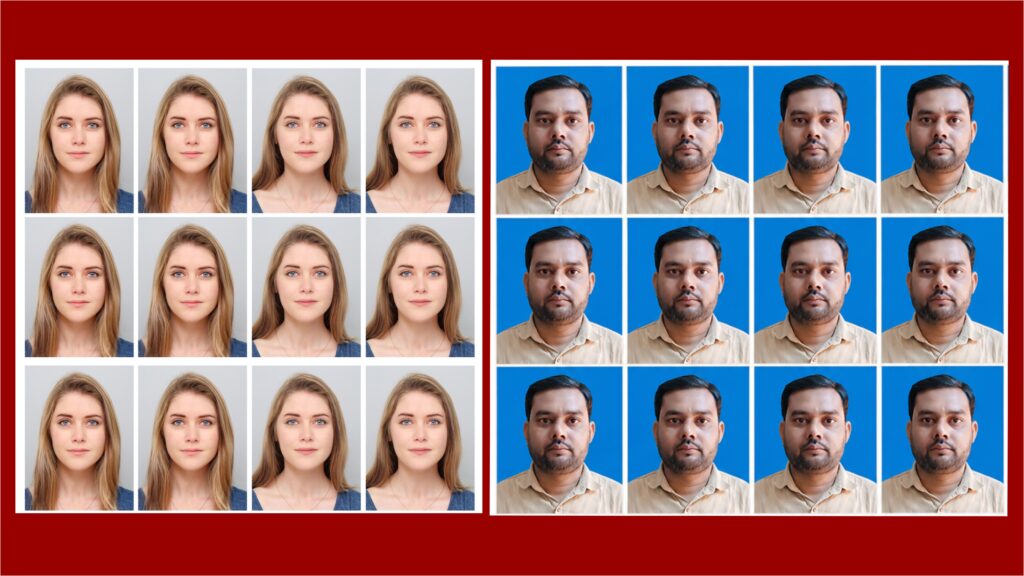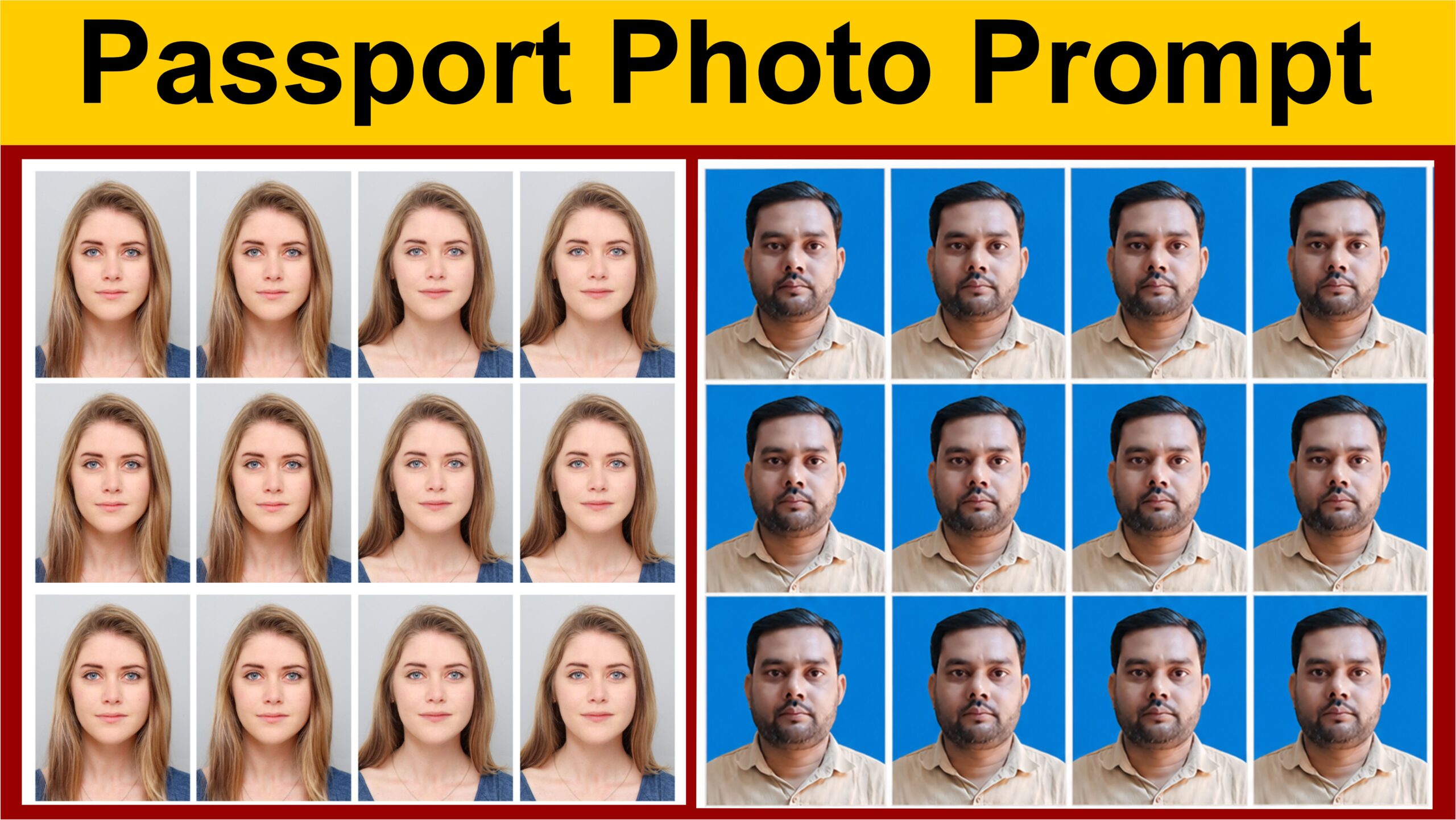
AI Passport Photo Prompt
The subject should maintain a natural posture with shoulders squared and head held upright. Both ears should be visible if possible, and the entire face must be evenly illuminated. No exaggerated expressions, smiling, laughing, frowning, or tilted head positions should be present. The image should focus on accuracy, realism, and compliance with international passport photo standards.
The camera angle should be perfectly straight-on at eye level. The composition must follow standard passport photography guidelines, with the head occupying approximately 70–80% of the image height. Leave adequate space above the head and around the shoulders according to official passport photo requirements. The image should be vertically framed and centered with symmetrical alignment.
The subject should wear simple, solid-colored clothing that contrasts appropriately with the white background. Avoid uniforms, costumes, patterned clothing, logos, branding, slogans, or distracting accessories. Glasses should generally be avoided unless required for medical reasons. No hats, head coverings, headphones, jewelry, sunglasses, or decorative accessories should be visible unless permitted for religious or medical purposes.
Capture the image using a high-resolution professional DSLR camera with exceptional sharpness and clarity. The eyes, nose, mouth, and facial contours should be perfectly in focus. Maintain accurate color reproduction and realistic skin tones. The photograph should have a crisp, official appearance suitable for passports, visas, national identity cards, immigration documents, driving licenses, and other government-issued identification documents.
Ensure the final image is photorealistic and indistinguishable from a real passport photograph taken by a professional photographer. Avoid cinematic effects, artistic filters, bokeh backgrounds, dramatic color grading, beauty retouching, cartoon styling, digital painting effects, HDR processing, lens flares, or social media portrait aesthetics. The objective is strict realism and official document compliance.
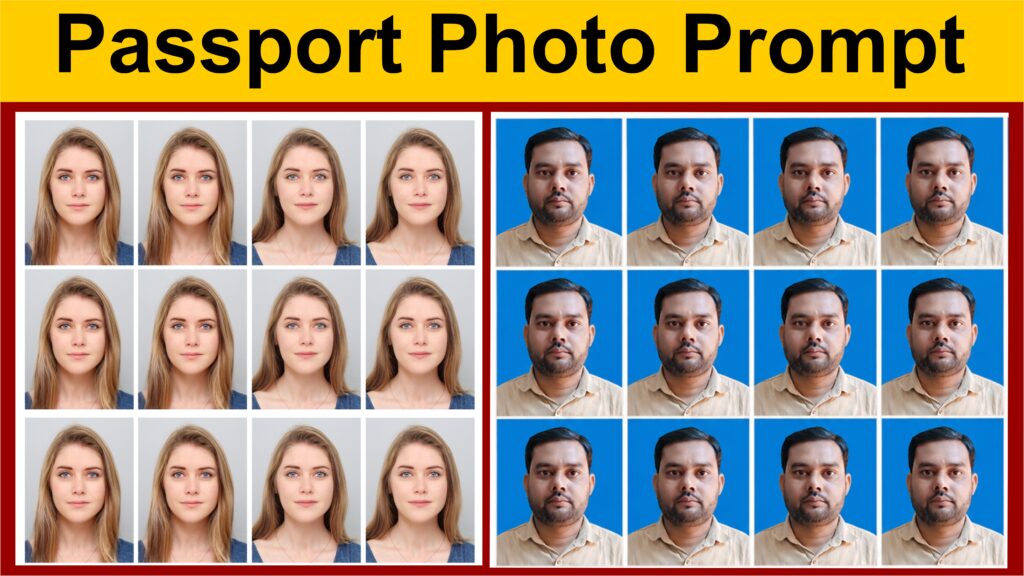
Passport Photo AI Prompt: Create Professional Passport Photos with AI
Introduction
In today’s digital world, AI-powered image generation tools have made it easier than ever to create professional-looking passport photos without visiting a photo studio. Whether you are applying for a passport, visa, government ID, job application, or official documentation, having a clean and professional passport-style photograph is essential. With advanced AI image generators, users can create realistic passport photos by using detailed prompts that describe facial features, clothing, lighting, background, camera settings, and professional composition.
A well-written AI prompt helps generate high-quality images that closely resemble traditional passport photographs. The more specific your prompt is, the better the final result will be. In this guide, you will learn how to create an effective passport photo AI prompt and get a ready-to-use professional prompt that can be used with popular AI image generators.
Why Use AI for Passport Photos?
AI photo generation offers several advantages:
- Saves time and money compared to studio photography.
- Creates professional-quality results within seconds.
- Allows easy customization of clothing, lighting, and background.
- Produces high-resolution images suitable for editing and printing.
- Useful for creating sample passport photos for blogs, tutorials, and demonstrations.
However, before using AI-generated images for official documents, always check the requirements of the issuing authority because some government agencies may require authentic photographs rather than AI-generated images.