
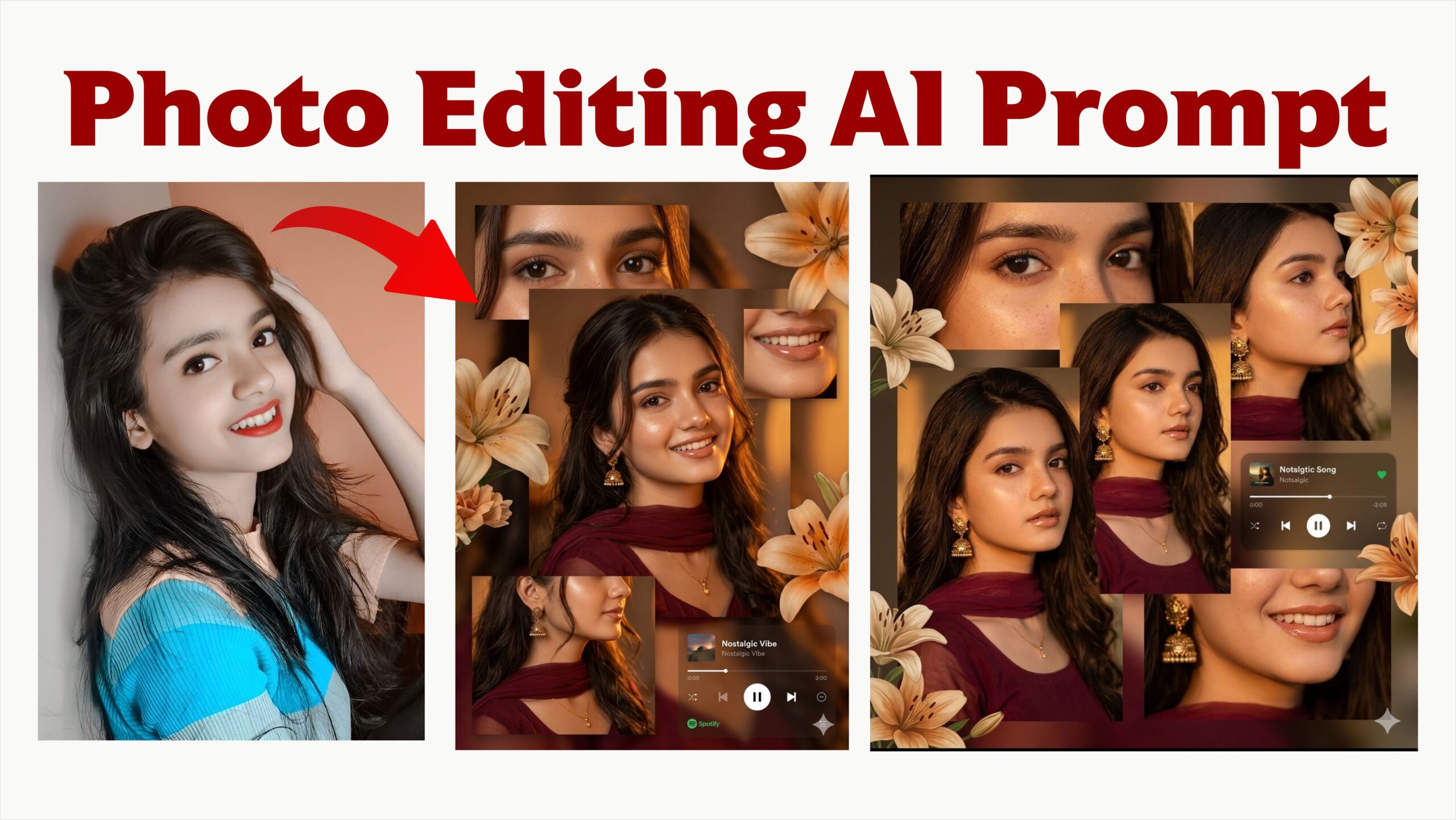
Photo editing has undergone a massive transformation with the advent of Artificial Intelligence (AI), moving from a specialized skill requiring hours of manual labor to an accessible, nearly instantaneous process for both professionals and hobbyists.
Modern AI photo editors rely on three primary technologies:
Computer Vision: This allows the software to identify elements like faces, objects, and backgrounds. For example, when removing a background, the AI uses computer vision to detect exactly where the subject ends and the background begins.
Generative AI: Used to reconstruct pixels and create new visual details that match the original photo’s lighting and perspective. This is essential for features like Generative Fill, which can add or replace objects based on text prompts.
Image Enhancement Models: Deep learning models trained on millions of high-resolution images are used to upscale blurry photos, sharpen details, and correct color balance.
Key Features and Benefits
The primary advantage of AI in photo editing is the automation of repetitive, tedious tasks:
Background Removal: What once took hours of manual masking in software like Photoshop can now be done in seconds with tools like remove.bg.
Object and Imperfection Removal: AI tools like “Magic Eraser” or “Generative Remove” can instantly delete unwanted distractions, wrinkles, or blemishes while naturally filling in the background.
Portrait Retouching: Advanced algorithms can identify and enhance specific features like eyes or hair, adjust expressions, and even fix eye gaze.
Upscaling and Restoration: AI can improve low-resolution smartphone photos or old images by sharpening textures and removing noise without losing detail.
Creative Expansion: “Generative Expand” allows users to crop outward, letting the AI generate additional scenery to extend the canvas of an image.
Popular Tools in 2026
Adobe Photoshop: Remains the industry leader by integrating Firefly generative AI for advanced object manipulation and canvas expansion.
Luminar Neo: Known for its deep AI integration, offering one-click tools for sky replacement, portrait bokeh, and “Light Depth” to redirect light within a frame.
Canva: A user-friendly design app that uses AI to generate templates from text prompts and perform simple photo edits like object replacement.
Imagen AI: A favorite for professional photographers, it learns a user’s unique editing style to batch-process thousands of photos in minutes.
Ethical Considerations
While AI increases productivity, it also raises ethical questions regarding authenticity and transparency. Excessive retouching can promote unrealistic beauty standards, and generative additions can create images of things that never existed. Experts emphasize the importance of disclosure—being honest about the use of AI tools to build trust with the audience. Additionally, controversies exist regarding the use of copyrighted images to train AI models without the original creators’ consent
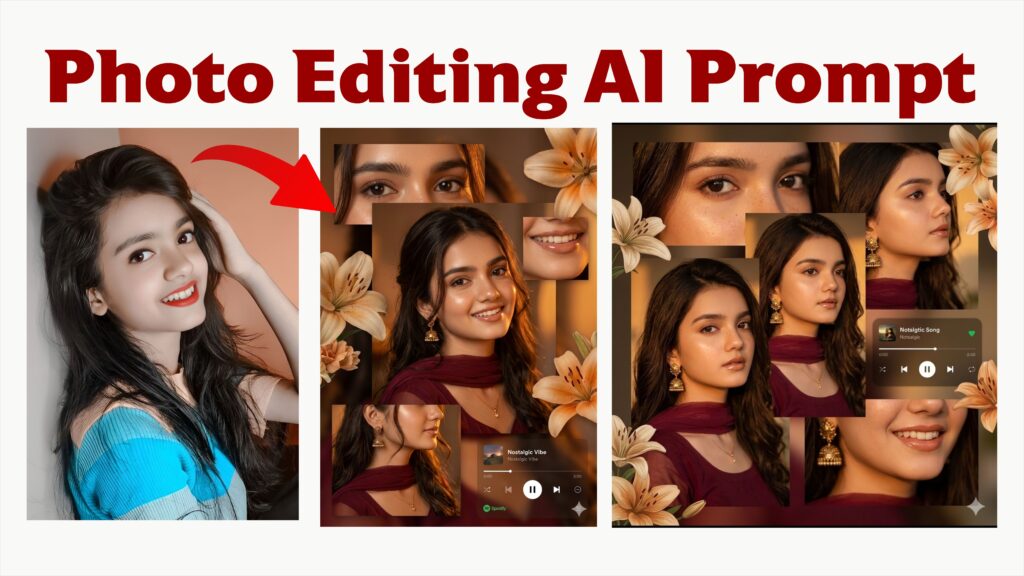
A warm-toned cinematic portrait collage of a young woman with soft glowing skin, subtle freckles, and glossy nude lips. She has long dark brown hair styled in loose waves with face-framing strands. She is wearing traditional gold jhumka earrings and a delicate necklace, dressed in a deep maroon outfit with a sheer dupatta around the neck. The lighting is golden-hour inspired with rich amber highlights and soft shadows, creating a cozy, intimate mood.
The composition is a collage layout with multiple cropped frames of her face—close-ups of eyes, lips, and side profile-arranged aesthetically. Add soft floral elements like beige and orange lilies placed around the frame. Include a blurred music player overlay showing a song playing for a nostalgic vibe. Skin appears dewy and radiant, with minimal elegant makeup.
Style: soft glam, editorial, aesthetic Instagram collage, warm color grading, high detail, shallow depth of field, cinematic lighting, 4K, ultra-realistic.