
AI Photo Editing Prompt: Complete Guide for Professional Image Transformation
AI photo editing has changed the way digital images are enhanced, transformed, and customized. With the help of advanced artificial intelligence models, users can create stunning visual results by simply providing detailed instructions in text form. An AI photo editing prompt acts as a communication bridge between the user and the AI system, helping the software understand exactly what modifications need to be made to the image.
A well-written AI photo editing prompt should contain clear and specific details about the desired outcome. The more precise the instructions, the better the generated result. Important elements often include subject description, facial preservation requirements, lighting conditions, background modifications, color grading, camera perspective, image quality, clothing details, artistic style, and overall mood. These details help the AI maintain consistency while making accurate edits.
One of the most important aspects of AI photo editing is identity preservation. When editing portraits, prompts should clearly mention that facial features, skin tone, hairstyle, eye shape, facial structure, and expressions must remain unchanged. This ensures that the person in the image remains recognizable even after significant visual enhancements. Identity consistency is especially important for personal branding, social media content, professional photography, and marketing materials.
Lighting instructions play a major role in achieving realistic results. AI can simulate various lighting environments such as natural daylight, soft studio lighting, cinematic shadows, golden hour sunlight, dramatic spotlight effects, or neon illumination. Proper lighting guidance helps create depth, realism, and visual appeal while maintaining a professional look.
Background editing is another powerful feature enabled by AI prompts. Users can replace distracting backgrounds, create luxurious environments, generate outdoor landscapes, add urban cityscapes, or design minimalist studio settings. Detailed background descriptions help the AI blend the subject naturally into the new environment without creating unrealistic edges or visual inconsistencies.
Color grading instructions significantly influence the mood and atmosphere of an image. Warm tones can create a cozy and inviting appearance, while cool tones can provide a modern and sophisticated feel. Cinematic color grading, high-contrast effects, vibrant colors, or muted palettes can all be achieved through carefully written prompt descriptions. These adjustments help transform ordinary photographs into visually striking compositions.
Image quality enhancement is another essential component of AI photo editing prompts. Users can request ultra-high resolution, improved sharpness, noise reduction, skin refinement, texture enhancement, and professional retouching. These enhancements improve the overall visual quality while preserving natural details and avoiding excessive artificial effects.
Composition and camera-related instructions can further improve the final output. Prompt details may include depth of field, lens type, focus direction, portrait orientation, wide-angle perspective, or close-up framing. Such specifications help create a polished and professional appearance similar to high-end photography.
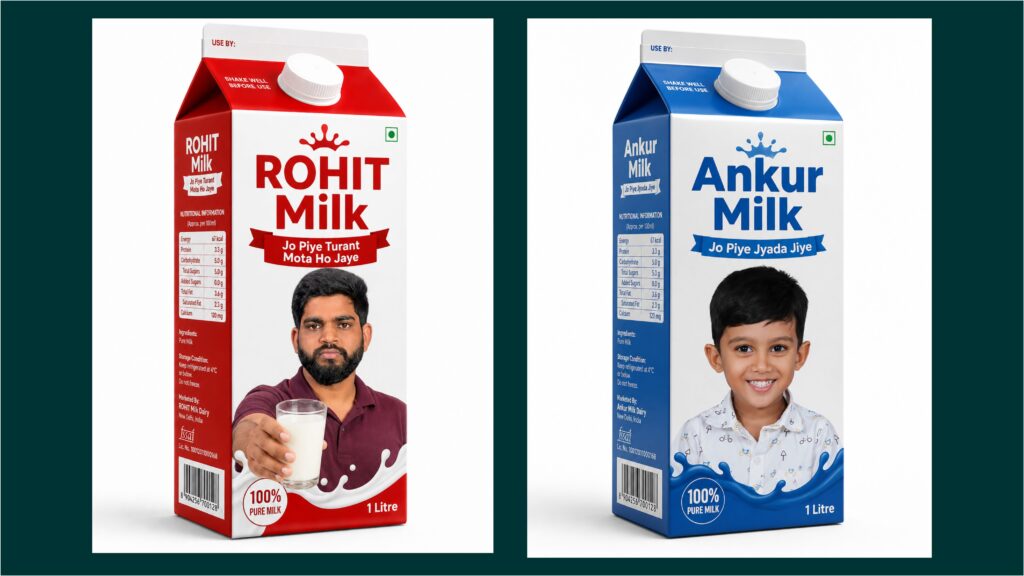
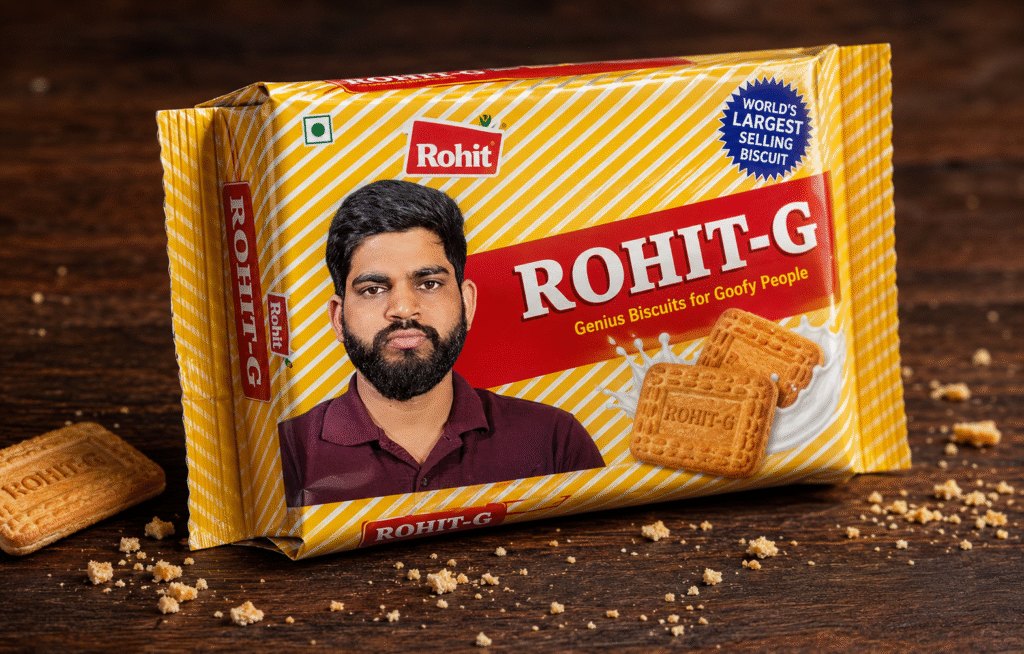
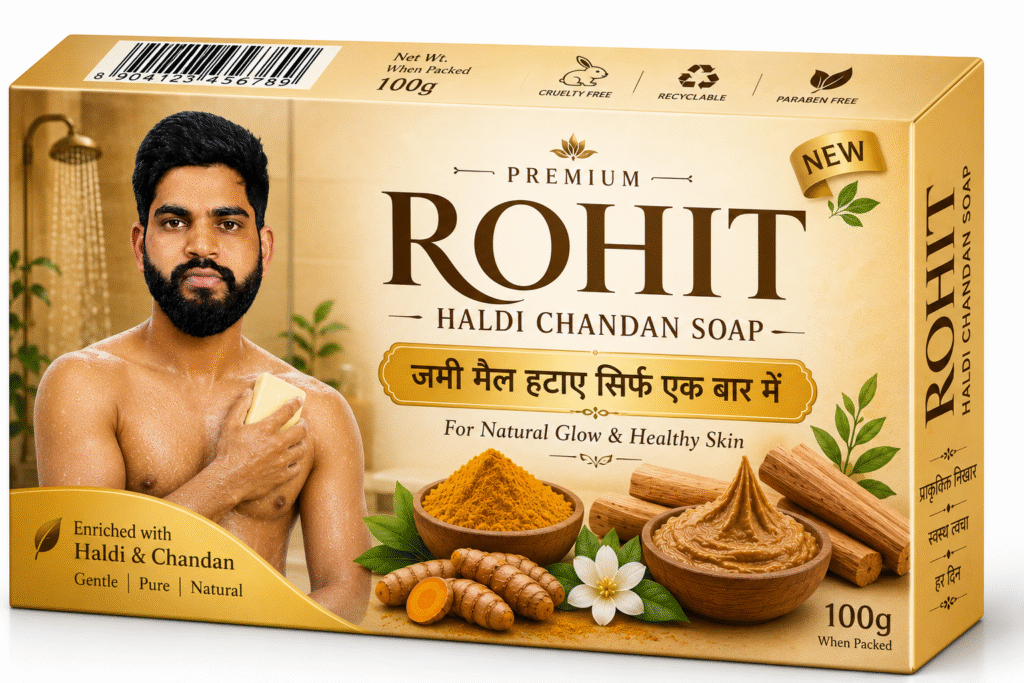
Modern AI editing prompts also support creative transformations. Images can be converted into cinematic posters, magazine covers, fashion editorials, luxury advertisements, fantasy artwork, futuristic concepts, or dramatic visual storytelling scenes. Clear artistic direction allows the AI to maintain coherence while applying creative enhancements.
The effectiveness of AI photo editing largely depends on prompt quality. Detailed, structured, and precise instructions help the AI understand the desired visual outcome more accurately. By combining identity preservation, lighting control, background design, color grading, quality enhancement, and artistic direction, users can achieve professional-grade image transformations that look realistic, visually appealing, and highly engaging.