
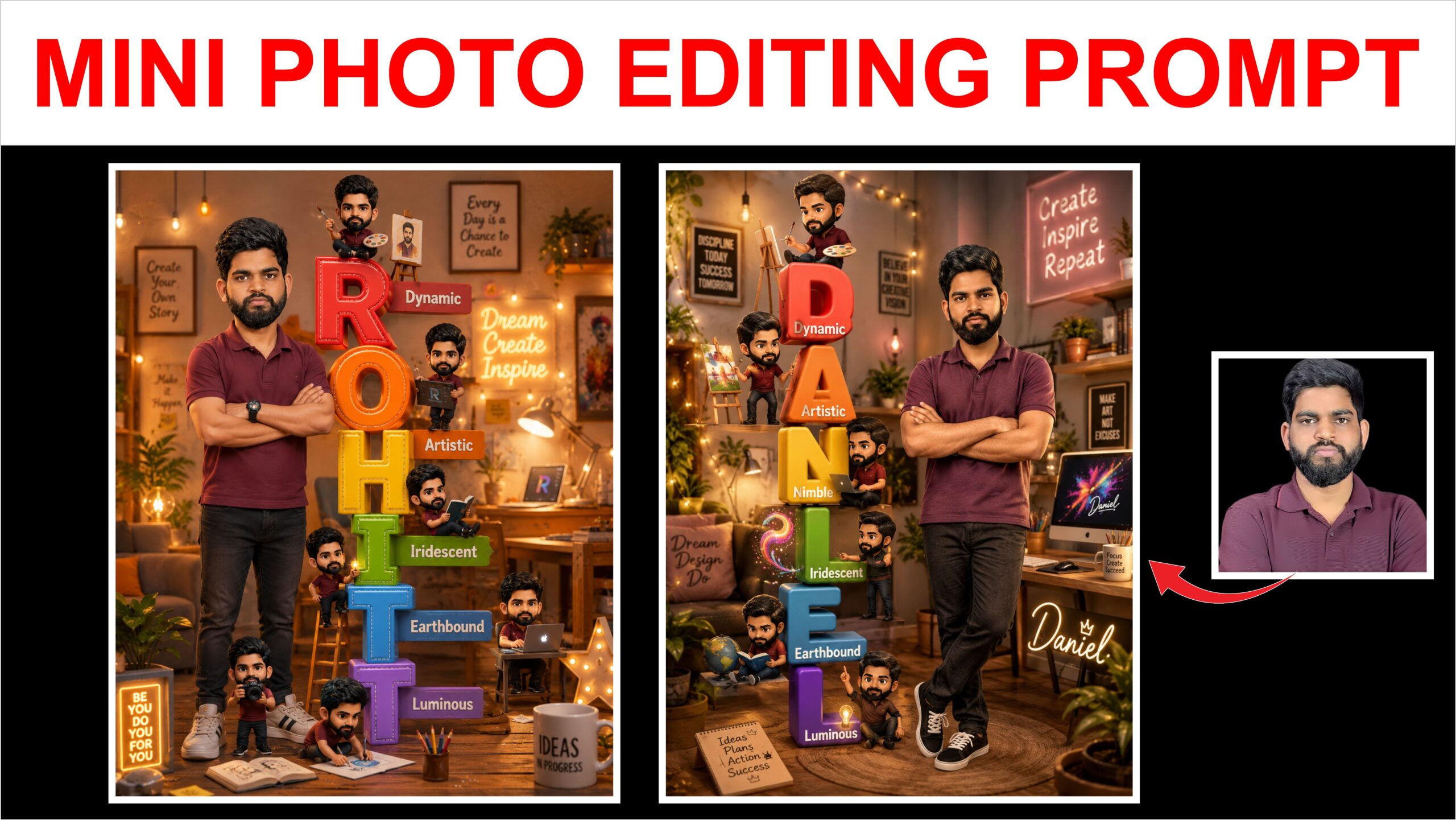
Photo editing has undergone a massive paradigm shift. Instead of wrestling with complex layer masks, lasso tools, and adjustment sliders in traditional desktop software, you can now modify images simply by holding a conversation. Thanks to Google’s multimodal Gemini models and advanced image engines, photo editing has become entirely text-driven, intuitive, and accessible directly within the Gemini chat interface and ecosystem tools like Google Photos.
The Power of Conversational Editing
Gemini’s core strength lies in its ability to understand contextual intent. You do not need to use highly technical jargon; you can just speak or type in everyday language. Because it is natively multimodal, it analyzes the structure, depth, lighting, and subjects of an image seamlessly.
The tool handles a massive range of practical and creative workflows:
- Object and Element Modification: You can easily add, remove, or swap elements. If a photo has a distracting background element like a trash can, a simple prompt like “get rid of the trash can on the floor” removes it instantly.
- Background Replacement: You can extract a subject and place them in a completely new environment—such as changing a cluttered bedroom background into a sleek, professional corporate office or a misty bamboo forest. Gemini dynamically adjusts shadows and color temperatures so the subject feels grounded in the new space.
- Style and Aesthetic Transfers: Using reference photos, Gemini can replicate textures, lighting, and visual aesthetics. You can apply a “35mm film look,” transform a standard photo into a Pixar-style 3D caricature, or adapt a casual snapshot into a professional LinkedIn headshot.
- Facial and Pose Adjustments: Gemini excels at modifying micro-details, such as tweaking a serious facial expression into a subtle smile or adjusting the stance of a subject while keeping their facial features recognizable and realistic.
Tips for Getting the Best Results
While Gemini simplifies the process, your input dictates the quality of the output. To maximize the model’s capabilities, consider the following best practices:
- Upload the Photo First: Always attach your reference image before typing your instruction to ensure the model anchors its logic to your visual asset.
- Describe the Vibe and Composition: Focus on the atmosphere. Instead of just saying “make it bright,” specify “apply warm, cinematic studio lighting with soft shadows.”
- Use Sequential Follow-Ups: Do not try to change everything in one massive prompt. Handle edits in layers—change the background first, then modify the clothing, and finally adjust the lighting.
Safety and Transparency
To ensure ethical usage, Google integrates strict safety guardrails. Images edited or generated through Gemini utilize an invisible digital watermark embedded into the pixels. This ensures transparency, making it easy to identify AI-altered content while protecting the integrity of human creativity.
Create a cozy 3D cartoon-inspired creative
workspace poster featuring a stylish young man standing confidently with folded arms in a warm aesthetic studio room. Add giant colorful stacked vertical letters spelling “ROHIT”, each letter glossy and playful with words: Dynamic, Artistic, Nimble, Iridescent, Earthbound, Luminous. Surround the letters with multiple cute mini chibi versions of the same person doing creative activities like painting, designing, reading, and using a laptop. Warm fairy lights, pastel decor, motivational wall quotes, cozy desk setup, glowing neon signs, indoor plants, soft ambient lighting, Pixar-style realism, ultra detailed, vibrant colors, adorable atmosphere, cinematic depth, high-quality 3D render, Instagram poster aesthetic,