
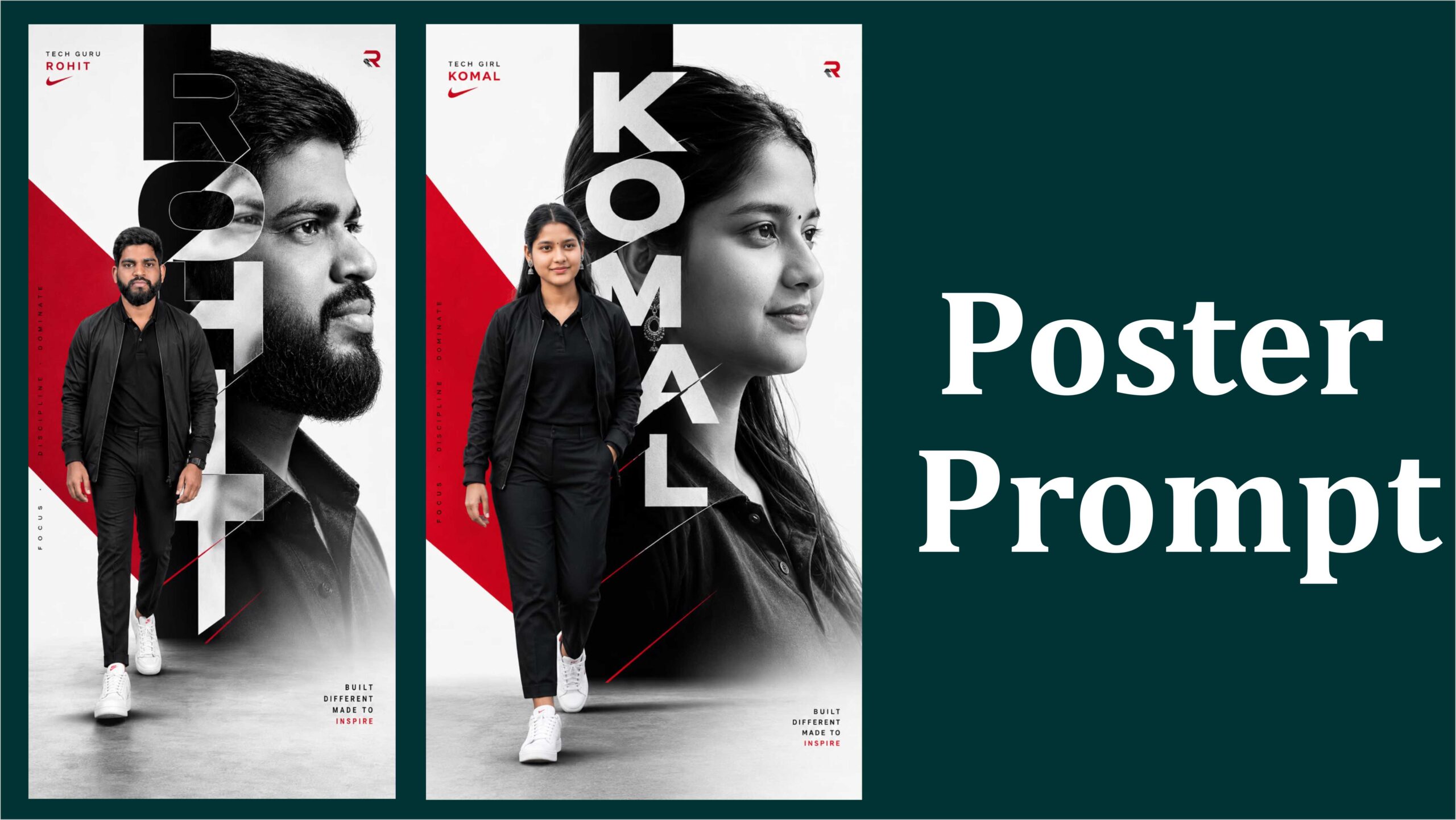
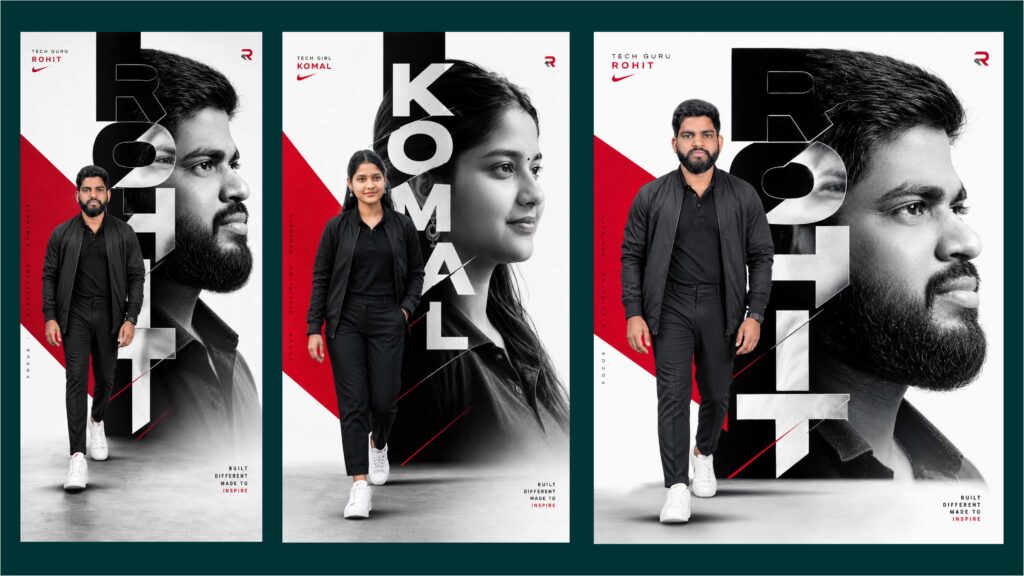
Designing Posters with Google Gemini: The Ultimate Guide
In the modern creative landscape, artificial intelligence has transitioned from a novel tech demonstration into a core element of the designer’s toolkit. At the forefront of this shift is Google Gemini, a highly sophisticated multimodal AI model capable of understanding and generating text, code, audio, and high-fidelity visuals.
When it comes to visual communication, one of Gemini’s most practical and exciting capabilities is poster design. Whether you need an advertisement for a local business, an academic presentation backdrop, a geometric art print, or a cinematic movie poster, Gemini simplifies the process from a blank canvas to a polished, high-resolution final product.
This comprehensive guide explores how to leverage Gemini to design professional, eye-catching posters, detailing the core design mechanics, prompt engineering strategies, workflow optimization, and technical best practices.
1. Understanding Gemini’s Role in Poster Design
Poster design traditionally requires an intricate mix of brainstorming, copywriting, layout structuring, and graphic asset creation. Gemini fundamentally changes this workflow by acting simultaneously as a copywriter, conceptual artist, and layout generator.
Gemini’s modern imaging engine (powered by advanced Imagen models) handles granular details exceptionally well. This includes maintaining strong typographic hierarchy, rendering clean lines, working across diverse aspect ratios, and preserving sharp, high-contrast details. By using Gemini, designers can drastically cut down on “busywork”—such as manually masking backgrounds or searching endlessly for reference stock images—and focus entirely on creative direction and artistic iteration.
2. Structural Elements of a Successful Poster
Before typing a single prompt into Gemini, it is crucial to understand what makes a poster visually effective. A well-designed poster relies on a distinct hierarchy:
The Focal Point (Visual Lead): The main graphic element—be it a photograph, an abstract shape, or an illustration—that immediately catches a viewer’s attention from across a room.
The Typography Hierarchy:
Headline: Bold, large, and highly legible. It delivers the core message in seconds.
Subheadline: Smaller text providing essential context (dates, taglines, locations).
Body/Fine Print: Minimalist text containing secondary details or terms.
Color Palette and Mood: Colors should not merely be aesthetic choices; they evoke specific psychological emotions and unify the design elements.
Composition and Negative Space: Leaving clear breathing room (or safe margins) around text ensures the poster doesn’t feel cluttered or unreadable.
3. Mastering the “Master Prompt” for Poster Generation
To generate a flawless poster natively within Gemini or through Google AI Studio, standard, one-sentence prompts like “make a music poster” are rarely sufficient. Instead, you need a structured, layered approach to your prompt engineering.
A highly effective poster prompt should be broken down into five core pillars: Role/System Goal, Typography Constraints, Style Preset, Composition/Margins, and Content Specifics.
The Deconstructed Blueprint
System Goal: Create a clean, professional, high-contrast poster suitable for print and digital display.
Typography & Text Constraints: Render exact text clearly and correctly spelled. Absolutely no warped text, duplicate characters, or pseudo-letters. Use a bold, modern, sans-serif font for the primary headline with strong visual contrast against the background.
Scene & Style Preset: A minimalist, geometric art style featuring a faceted, low-poly vector illustration of an animal [e.g., a stylized fox]. The color palette must lean heavily on warm autumnal tones—deep amber, rust orange, and charcoal grey.
Composition & Margins: Maintain strict safe margins of 8% on all sides. Center-align the text. Ensure the layout remains balanced with generous negative space so it does not look crowded.
Text Content to Render: > * Headline: “EXPLORE THE WILD” (Large size, top-center, high contrast).
Subheadline: “An Autumn Wildlife Exhibition” (Smaller size, directly underneath).
By feeding Gemini a prompt with this level of structural specificity, you minimize the “AI hallucinations” (like gibberish text or messy background bleeding) that often plague raw generative art.
4. Step-by-Step Workflow: From Concept to Print
To get the absolute best results out of Gemini, treat your design process as an ongoing conversation rather than a single attempt.
Step 1: Conceptualization and Copywriting
If you aren’t sure where to start, ask Gemini to act as a copywriter first.
Prompt Example:
"I am launching a vintage film screening night. Give me 5 catchy headlines and a color scheme concept for a promotional poster."Once Gemini provides the text options and thematic ideas, select your favorite combination to form the base of your visual prompt.
Step 2: Setting the Technical Parameters
When moving into image generation, define your output shape early. For standard digital sharing, vertical social media layouts typically require a 9:16 aspect ratio. For print-friendly layouts, targeting ratios that match standard A4 or poster sizes works best.
Step 3: Iteration and Refinement
Rarely is the first generation flawless. Gemini excels at iterative modifications. Instead of retyping your entire prompt if a detail is wrong, use the chat interface to adjust the existing canvas:
To change elements:
"The overall layout is perfect, but replace the rust orange accents with a deep navy blue."To add details:
"Keep the same style, but add a subtle cinematic golden-hour light source coming from the top left corner."
Step 4: Final Polish and Upscaling
Once Gemini delivers the visual asset, check it against a rapid quality checklist:
- Text Clarity: Is every single letter sharply defined at 100% zoom?
- Contrast Check: Can you comfortably read the subheadline if you squint your eyes?
- Margins: Is the text dangerously close to the edge? If so, ask Gemini to pull the text inward to preserve safe margins.
5. Summary Table: Popular Poster Styles and Prompts
To help kickstart your next creative project, here is a breakdown of common poster aesthetics alongside the exact descriptive terminology Gemini responds to best:
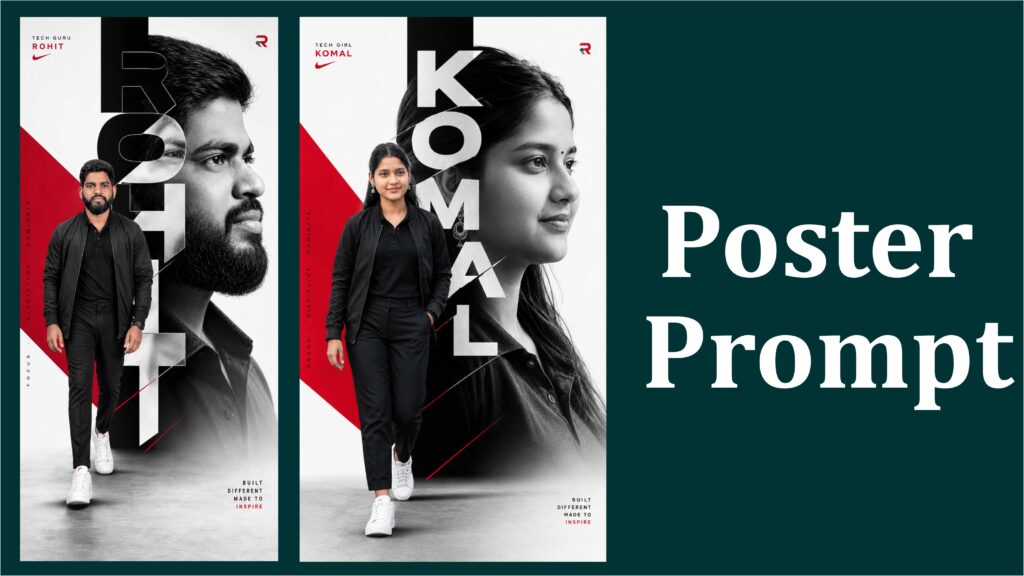
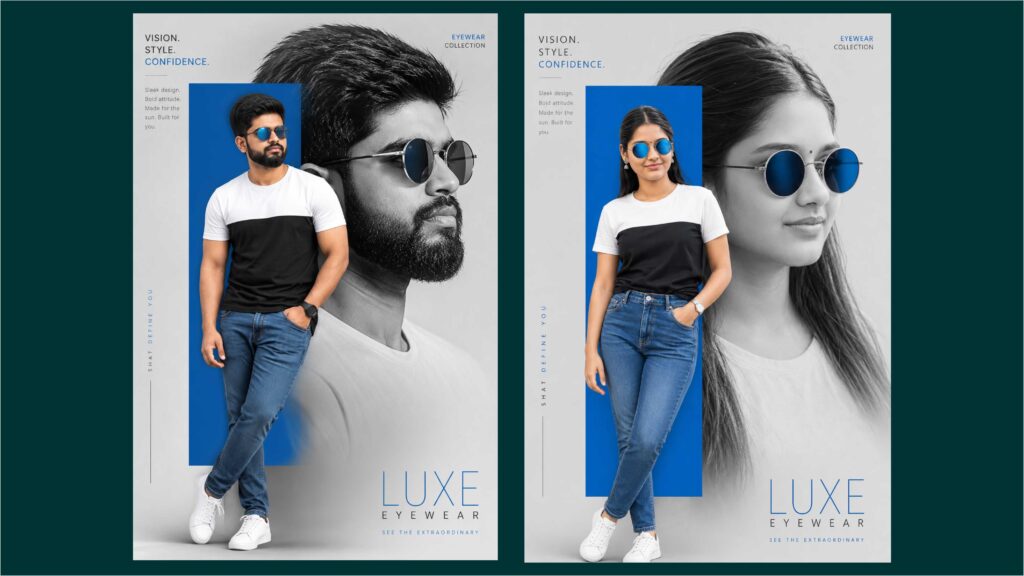
Advanced Production Strategies and Custom Workflows
To take your Gemini poster designs from standard AI generations to production-ready masterpieces, you must look beyond the initial prompt and implement a highly structured workflow. By treating Gemini as an interactive design partner, you can overcome common generative hurdles like text rendering bugs or low resolutions.
The Hybrid Design Workflow
While Gemini’s image models have advanced significantly in rendering typography, the most professional results often come from a hybrid approach.
Generate the Core Background Asset: Use Gemini to create ultra-realistic, cinematic, or abstract imagery without any baked-in text. This ensures the background graphic is completely unblemished and free of layout errors.
Export to Vector Editors: Take your high-definition image asset into a graphic design application (such as CorelDRAW, Adobe Illustrator, or Photoshop).
Layer the Vector Typography: Manually place your headlines, subheadlines, and contact information directly on top of the Gemini-generated art. This guarantees crisp, infinitely scalable, and 100% accurate text for printing.
Essential Print Preparation
When preparing your final poster for physical printing, a few technical refinements are necessary to prevent blurry or cut-off edges:
Resolution Upscaling: AI-generated images typically need an extra boost for large-format printing. Run your final design through an AI image upscaler or use a high-definition output setting to bring the resolution up to a crisp 300 DPI (dots per inch).
Bleed and Trim Allowances: Ensure your main visual subjects sit comfortably within the center of the canvas. Leaving an extra 0.25-inch margin around all outer edges prevents critical design elements from being cut off during the physical printing and trimming process.
Final Color Check: Remember that screen displays use RGB (light-based) colors, while printers use CMYK (ink-based) colors. Quickly previewing and converting your image’s color profile before sending it to a print shop ensures your autumn oranges and deep blues look exactly as rich on paper as they do on your monitor.