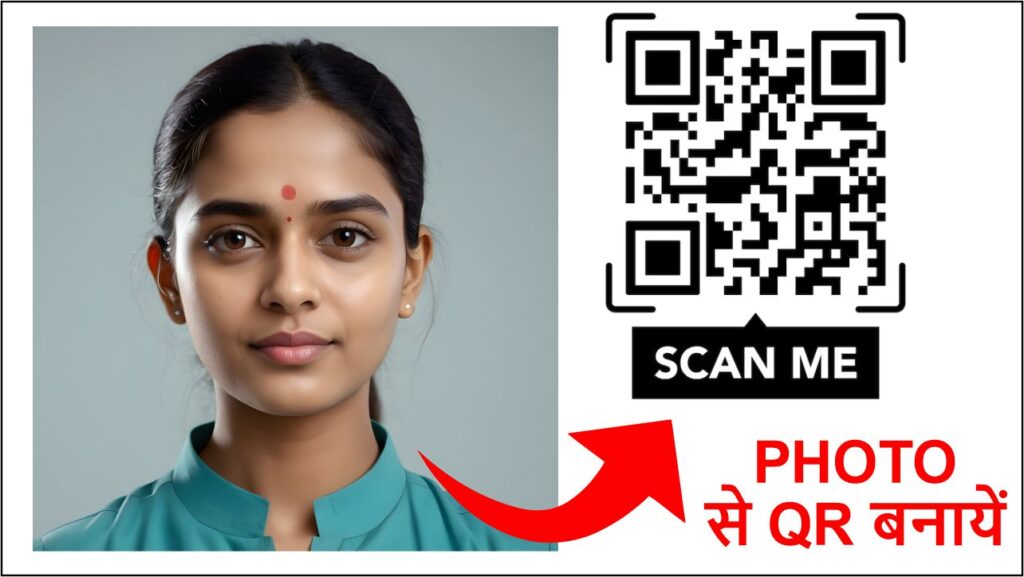
From Image to Scannable Code
The core purpose of a QR code is to act as a data container that can be rapidly scanned and decoded by a device, like a smartphone camera. The photo itself—being a high-resolution, complex visual file—cannot be directly rendered as the black-and-white grid. Instead, the process involves two main methods:
1. Encoding the Image Data (Direct Storage)
For smaller, very low-resolution images, the actual binary data of the photo file can theoretically be encoded directly into the QR code.
Data Size Limitation: This is where the challenge lies. A typical QR code (version 40, the largest standard size) can only hold about 3 kilobytes (KB) of data.
A high-resolution photo, like the restored one, is several megabytes (MB) in size, which is thousands of times larger than the QR code’s capacity.Therefore, directly encoding the complex, detailed photo is impossible with standard QR technology.
2. Encoding the Image Link (The Practical Solution)
The universally used method for “photo-to-QR” is actually encoding a link (URL) to where the photo is stored online. This bypasses the size limitations of the QR code itself.
Hosting the Photo: The photo file (e.g.,
images.jpg) must first be uploaded to a cloud storage service (like Google Drive, Dropbox, or a dedicated image hosting site) or a web server.Generating the Link: Once uploaded, a shareable link (URL) is created for that specific image file.
QR Code Generation: The URL is then fed into a QR code generator. The generator translates the text characters of the URL into the precise arrangement of modules (the black squares) that make up the code.
The Functionality: When a user scans this QR code:
The scanner decodes the pattern into the plain text URL (e.g.,
https://drive.google.com/photos/imageXYZ).The user’s device web browser opens this URL.
The link directs the browser to the online location where the high-resolution photo is stored.
The user then views the photo on their screen.
This method allows you to share an 8K, high-quality image using a tiny, scannable code.
3. Adding Visual Branding (Aesthetic Customization)
While the data encoding is non-visual, QR code generators often allow for visual customization to tie the code back to the image:
Coloring: Changing the color of the modules from black to a color that complements the photograph.
Logo Embedding: Placing a small version of the photo (or a relevant icon) in the very center of the QR code. The code’s error correction features allow for this central area to be covered without affecting scannability.